Want to learn PHP without buying a course, going back to school, or even configuring a server? You can. PHP has a relatively simple but versatile syntax, and every tool you need to learn it is available for free: you can start practicing right in your browser.
The trick is knowing which free resources are worth your time, and what order to tackle them in. That’s exactly what this guide covers.
Here’s the short answer: you can learn PHP for free in 5 ways — YouTube tutorials, free online courses (Codecademy and Laracasts), the official PHP manual, free books like PHP Apprentice, and interactive tutorials such as W3Schools and learn-php.org. Below, we’ll explain what PHP is, whether it’s worth learning, and how to get the most out of each method, including where to run your code, how long it realistically takes, and what to build first.
What is PHP?
PHP (PHP: Hypertext Preprocessor) is a server-side scripting language used in web development. It’s currently used on just over 70% of all websites whose server-side programming language is known, per W3Techs (July 2026), including Facebook, Wikipedia, and WordPress.org:
Like WordPress, PHP is open-source. Rasmus Lerdorf originally built it in 1994 as a set of scripts to track visits to his online résumé — the “Personal Home Page Tools.” Since then, PHP has evolved to accommodate more dynamic websites.
The first thing you need to know about PHP programming is that it happens on the server. When someone tries to visit your website, your server will process its PHP code before sending any information to the browser.
This is what makes PHP different from other scripting languages. If you’re writing HTML or CSS, this code will affect the information visitors see in a browser. However, PHP code is processed before the content loads.
For example, a PHP script can be used as a source code for HTML. Here’s what the original PHP script can look like:
<html>
<head>
 <title>PHP Test</title>
</head>
<body>
<?php echo '<p>Hello World</p>'; ?>
</body>
</html>
In HTML, this will create the following output:
<html>
<head>
 <title>PHP Test</title>
</head>
<body>
<p>Hello World</p>
</body>
</html>
When visitors view your website, they will see the “Hello World” message in their web browser. Although PHP is powered by HTML, front-end viewers will only experience the HTML output.
How PHP works in WordPress
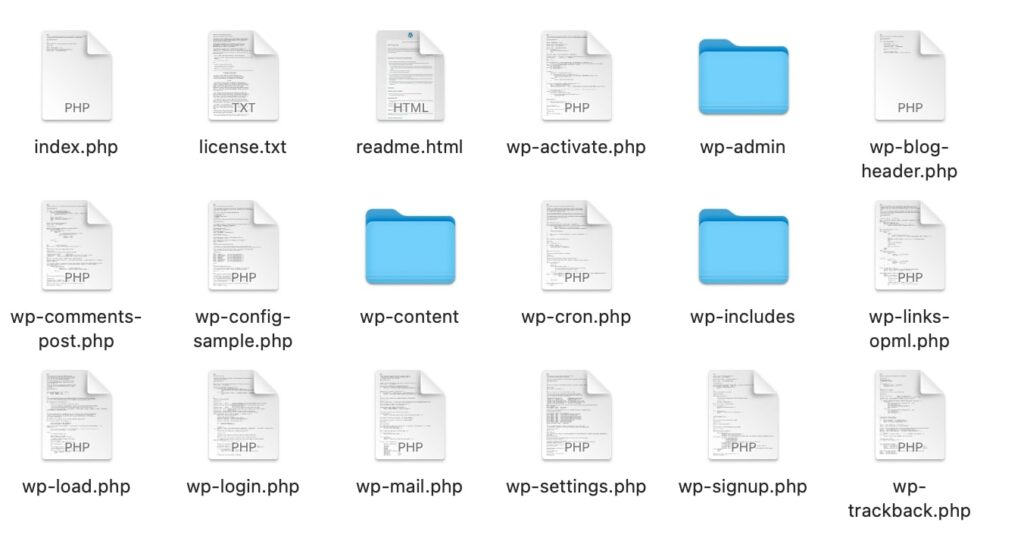
If you download WordPress, you’ll notice that many of the files are written in PHP. This is because PHP code is the framework for the WordPress software:
After creating a WordPress website, your site files are stored in a MySQL database. This contains all your website’s data, including your posts, plugins, and themes.
When someone clicks on your site link, their browser sends a request to your server. In WordPress, the server has to process PHP code to create HTML pages. Then, it can send the HTML code back to the visitor’s browser.
Similar to other programming languages, PHP has several versions. If you’re using an outdated version, you won’t receive important bug fixes or security updates.
As a WordPress user, it’s important to make sure to update your PHP version. WordPress recommends using PHP version 8.3 or greater. WordPress will still run on older versions like PHP 7.4, but those have reached official end of life and may expose your site to security vulnerabilities. Updating is the key to keeping your website fast and secure.
Other than updating the PHP version, some website owners may never touch this code. Since WordPress comes with built-in PHP files, you likely won’t need to learn this programming language to manage your website. That being said, there are many good reasons to learn PHP yourself.
Is PHP worth learning?
Yes — if you work with WordPress or want a career in web development, PHP is worth learning. Its usage has been slowly declining in recent years, but PHP remains the most popular server-side programming language, and it is still a vital part of many Content Management Systems (CMSs).
Is PHP easy to learn? Also yes. PHP is one of the simplest programming languages to pick up: it embeds directly in HTML, and you can reuse blocks of code and built-in functions instead of writing everything from scratch.
In WordPress, PHP is the fundamental language behind all plugins and themes. When you want to modify these tools, you’ll likely need to use PHP coding.
Here are some additional advantages of learning PHP:
- It’s free and open-source.
- It integrates with popular databases like MySQL, Oracle, Sybase, PostgreSQL, and more.
- It runs on all major operating systems and works with most web servers.
- It offers consistent updates to enhance security, performance, and support — a new release branch ships every year, with PHP 8.5 (November 2025) the current line.
If you want to become a web developer, it’s important to learn PHP. When creating new WordPress plugins and themes, you’ll need to know how to build and edit PHP files.
Once you’re comfortable with the basics, three tracks lead to real-world PHP work: Composer (PHP’s dependency manager), a modern framework like Laravel, or WordPress development, building your own themes and plugins. From there, you can eventually become a PHP developer, writing scripts to create and modify software for your clients.
However, knowing PHP can also help you pursue other career paths, such as:
- Cybersecurity
- Information Technology (IT)
- Back-end and full-stack development
As you progress through your career in PHP development, you can look for higher-paying positions like software development management. You can even pursue directorial roles and become an information technology director.
How to learn PHP fast and free (5 methods)
Although you could gain a college degree in web development, this can be an expensive option. Luckily, there are plenty of ways you can learn how to code online, without having to pay a penny. Let’s look at how you can learn the PHP fundamentals for free, starting with where to run your code, what order to learn things in, and how long it should realistically take.
Before you start: set up a place to run PHP
You have two free options. The zero-install route: browser-based sandboxes. W3Schools’ “Try it Yourself” editor and learn-php.org both run your PHP code right in the browser, so there’s nothing to download before you start practicing. The local route: install PHP on your own computer by following the installation chapter of the official PHP manual, which covers Windows, macOS, and Unix systems. Browser sandboxes are perfect for your first few weeks; switch to a local setup once you’re ready to build real projects.
The learning path, in order
Whichever of the five methods you choose, work through the topics in this order:
- Set up somewhere to run code: a browser sandbox now, a local install later.
- Learn the core syntax: variables, arrays, loops, and functions.
- Practice handling forms with GET and POST requests.
- Learn database basics: connect to MySQL and run simple queries.
- Build a small project that ties it all together (ideas at the end of this post).
- Choose a next step: WordPress themes and plugins, Composer, or Laravel.
How fast is “fast”?
Honest answer: it depends on what “learn PHP” means to you. Basic familiarity comes quickly. A beginner course like Traversy Media’s runs about 6.5 hours, so a focused weekend covers the fundamentals. Building your first small project on your own usually takes a few weeks of regular practice. And being job-ready (comfortable with a framework, a database, and other people’s code) takes months of consistent building, not days. Pick your milestone before you start, and be suspicious of anything promising “PHP in 24 hours.”
One more tip: whichever method you choose, an AI assistant like ChatGPT makes a handy study partner. Ask it to explain a confusing snippet, generate practice exercises, or help debug your first scripts — just make sure you can eventually write the code without it.
Now, the five methods.
1. Watch a YouTube tutorial
If you’re looking to learn a new skill, one of the best online resources is YouTube. By watching in-depth guides from expert coders, you can easily become familiar with PHP programming.
Unlike other social media sites, YouTube tends to highlight the most popular videos, rather than the most recent ones. If you watch a tutorial that was published years ago, you could receive outdated information.
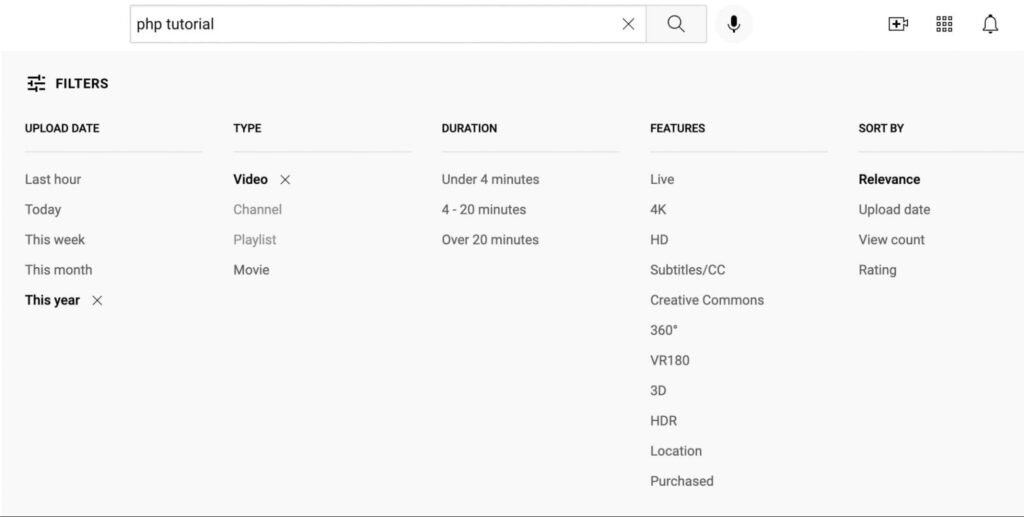
To narrow your results, you can click on Filters at the top of the page. Next, select a recent upload date. You can choose your desired video length as well:
Then, you can find a video that suits your needs. One of the most popular PHP tutorials is PHP For Absolute Beginners by Traversy Media. This outlines the fundamentals of PHP:
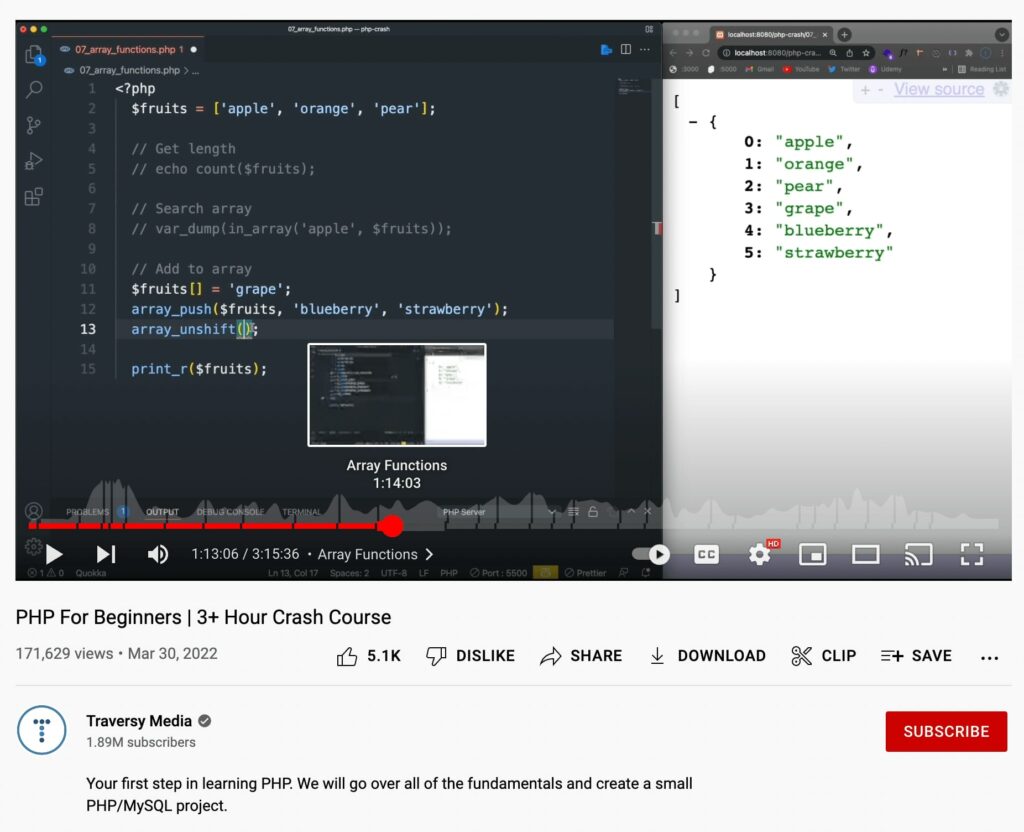
In this YouTube video, you can use timestamps to skip to an area you want to learn. If you watch the entire 6.5-hour course, you can cover the fundamentals of PHP, including functions, loops, arrays, and more. By following along with the voiceover, you can practice each concept as it’s introduced.
You can also watch PHP Tutorial for Beginners – Full Course by Envato Tuts+. This is a longer, more detailed guide that takes an absolute beginner deeper into the language than a crash course:
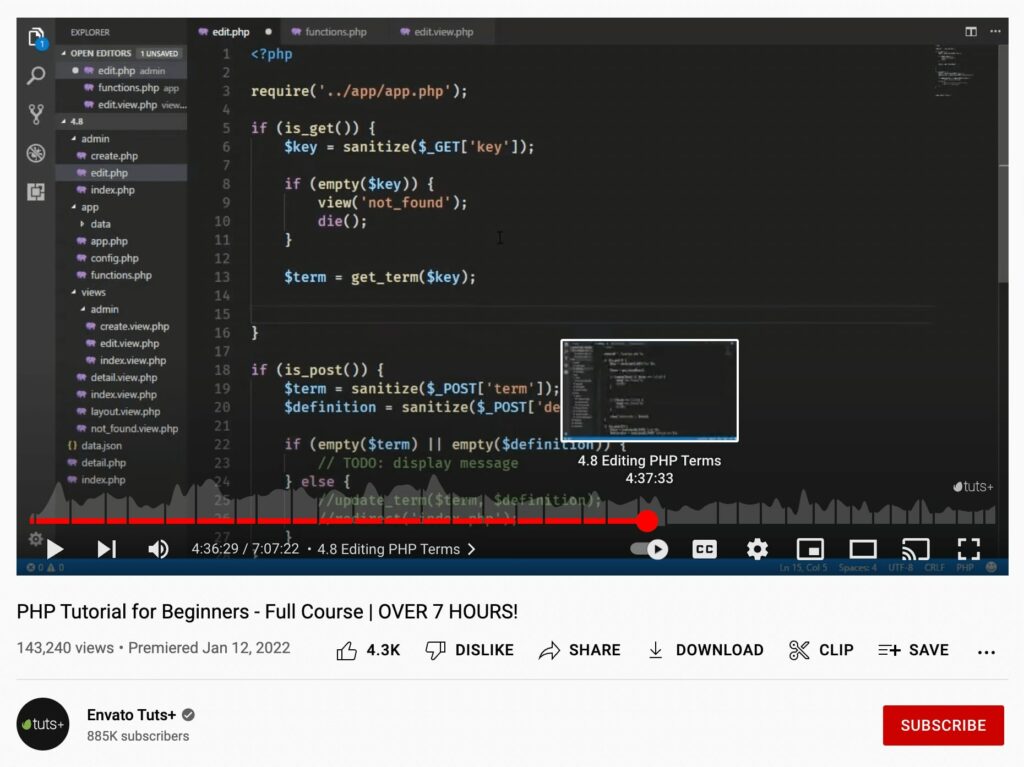
The instructor, Jeremy McPeak, starts with the basics, showing you everything you need to learn as a beginner. Then, he teaches you about variables, syntax, and how to make decisions in your code. By the end of the video, you’ll be able to write your own functions and respond to GET and POST requests.
When you search for PHP tutorials on YouTube, you can find thousands of free videos to watch. With this method, you can watch coding in real time rather than reading a static web page.
2. Take an online course
If you want to receive a more in-depth explanation of PHP, you can sign up for an online course. Although it can take longer to complete course modules, this can lead to a more thorough education in programming.
Codecademy
Whether you’re trying to prepare for a career in web development or just learning programming languages as a hobby, you can learn how to code on Codecademy. Its PHP catalog is modular these days: you can start with the free Learn PHP: Introduction course and add follow-up courses one topic at a time, or take the Learn PHP skill path, which bundles the whole sequence into one guided track:
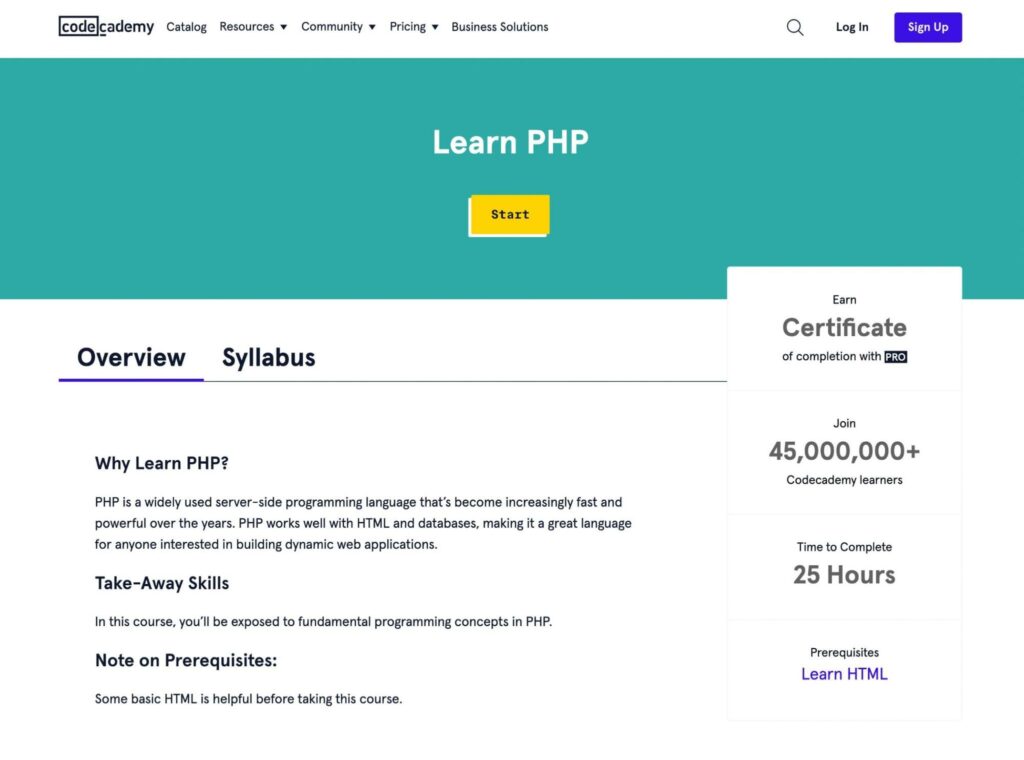
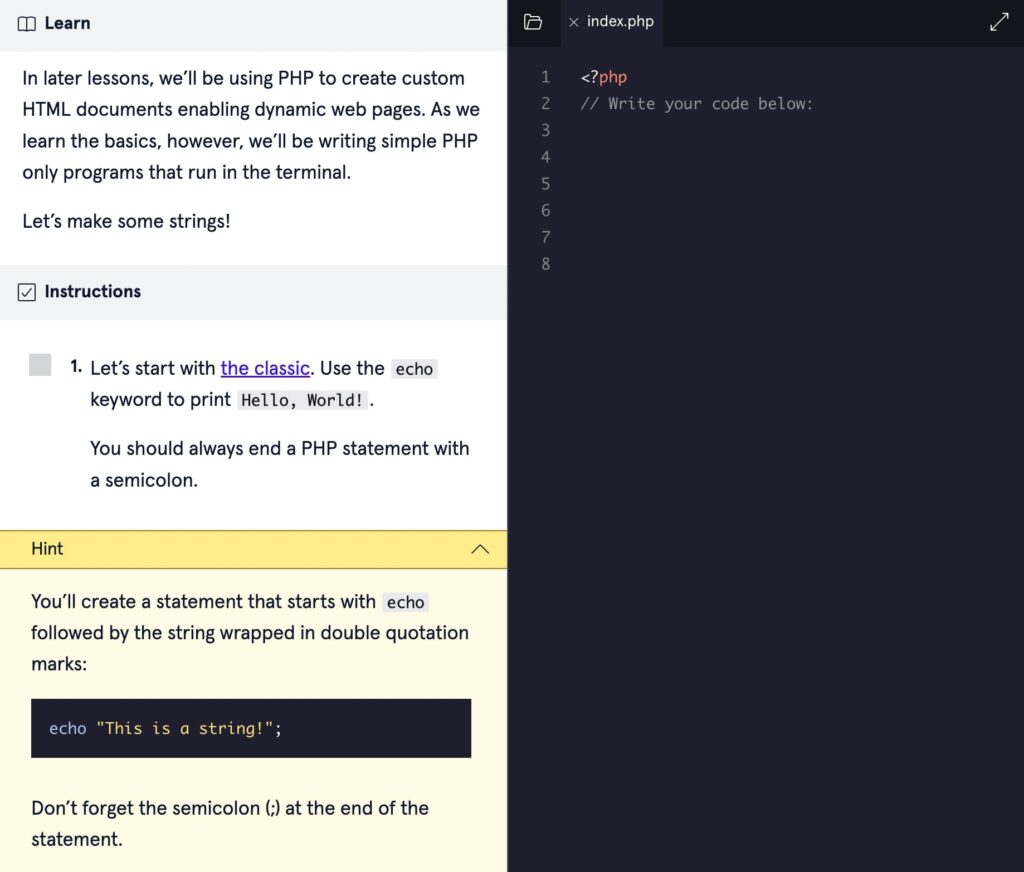
Whichever route you take, you’ll get a hands-on overview of PHP, including variables, functions, arrays, loops, and more. Each module has instructions on how to immediately implement what you’ve learned:
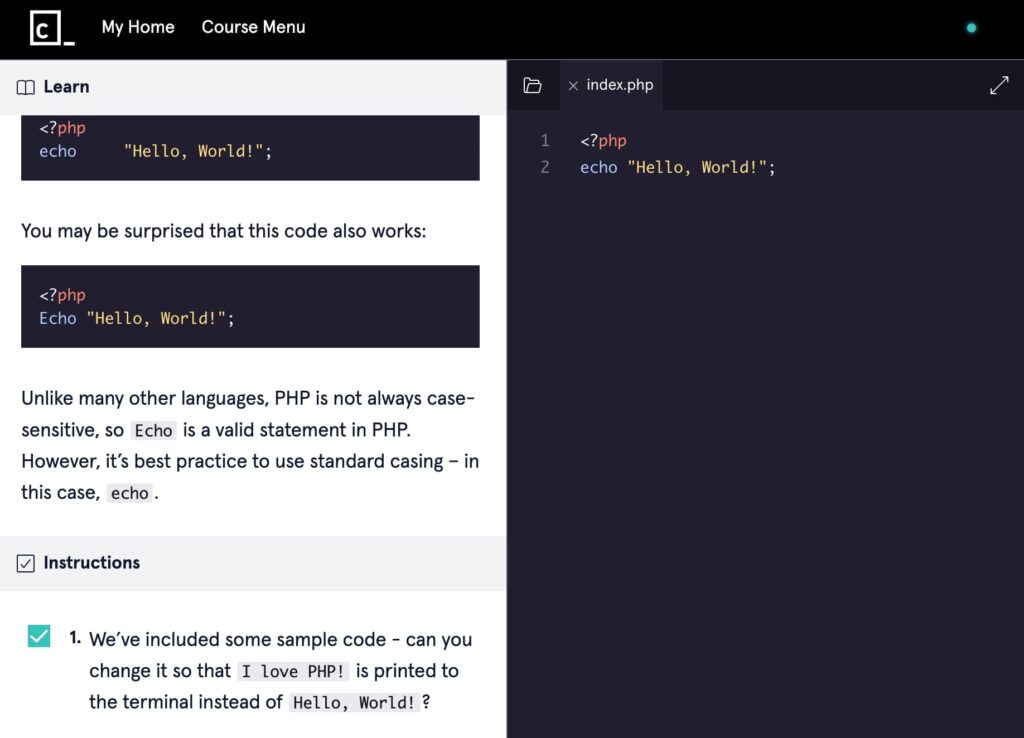
Once you follow the instructions and enter the correct coding, you can continue to the next lesson. If you need help, you can always use a hint:
At any point, you can review key concepts using the cheatsheet. You can also browse the Codecademy community forums for that module. These links are provided at the end of each exercise:
Since PHP interacts with HTML, you’ll likely need to know the basics of HTML before taking these courses. Fortunately, Codecademy has a Learn HTML course that you can take beforehand.
Udemy
Another place to find PHP courses is Udemy. One honest caveat before you browse: Udemy is a mixed marketplace of free and paid courses, and the most popular PHP courses (including the one below) typically cost money unless they’re on sale. Unlike Codecademy, Udemy contains many different PHP courses, so you can find the one that best suits your needs:
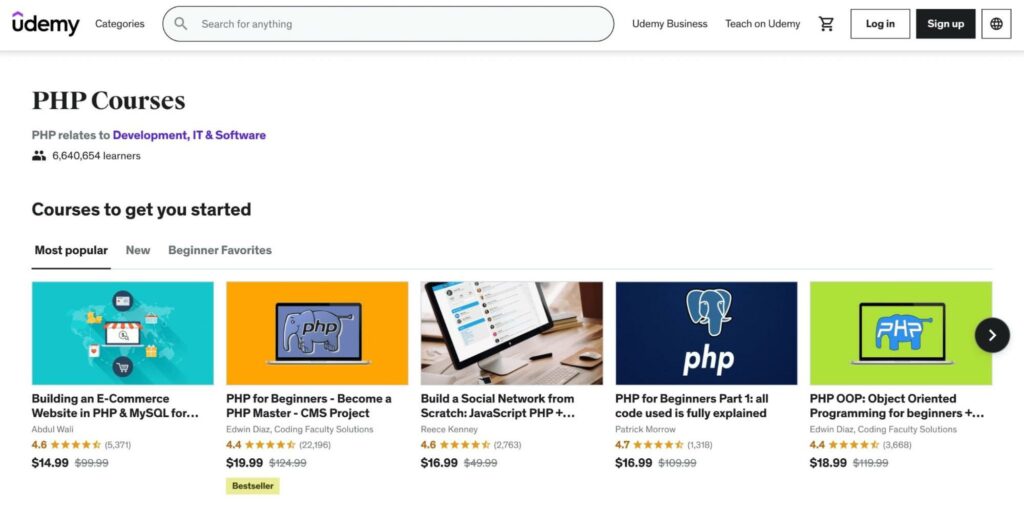
With over 22,000 reviews, the most popular PHP course on Udemy is called PHP for Beginners. In this program, you can watch 37 hours of educational videos and obtain a certificate once you’re finished:
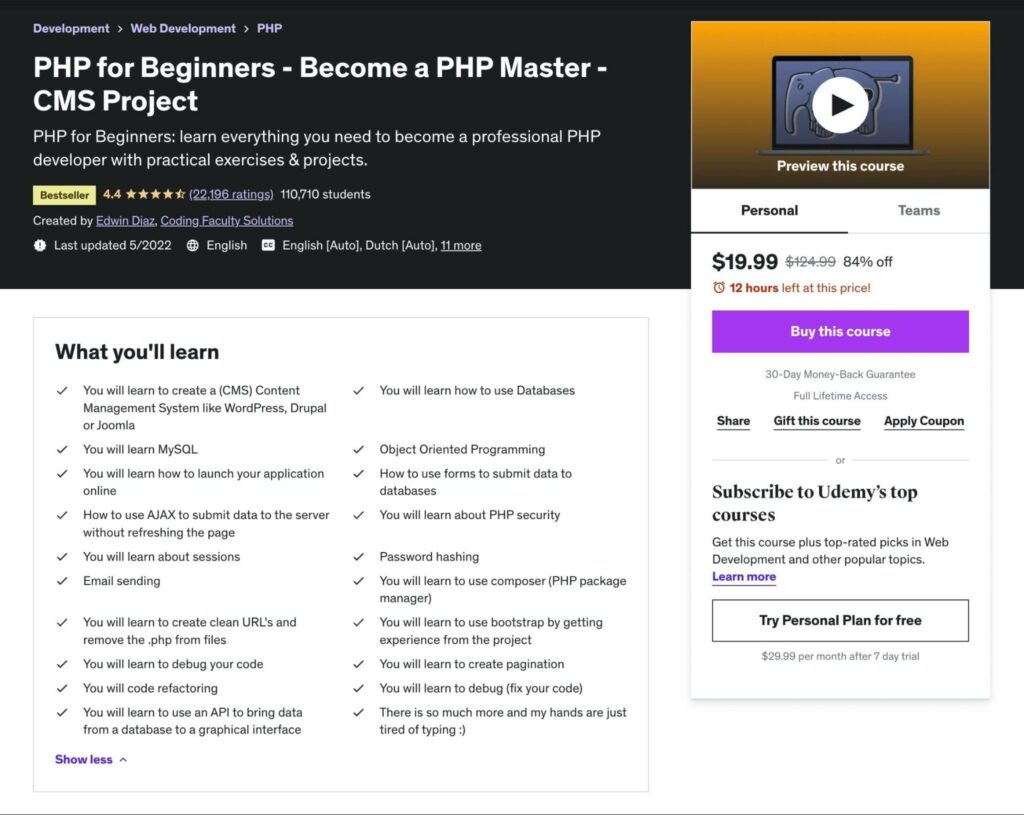
If you’re completely new to coding, this Udemy course takes you through the basics of PHP, as well as Object Oriented PHP and MySQLi. You’ll learn about custom functions, PHP security, control structures, and much more. It also teaches you how to create a content management system similar to WordPress or Joomla.
Laracasts
Finally, don’t overlook PHP for Beginners from Laracasts, the video platform best known for its Laravel and PHP courses. The series spans 50 episodes and roughly 10.5 hours, is built for complete newcomers on PHP 8, and goes further than most beginner courses: you start with your first PHP tag and finish by building a notes app backed by a MySQL database. You can also watch the complete course on YouTube for free.
3. Review the PHP manual
You can also learn the best practices of the PHP language straight from the creators themselves. In the official PHP manual, you’ll gain installation instructions, syntax advice, and Frequently Asked Questions (FAQs) from other emerging developers.
When you first open the manual, you can read an overview of PHP and what it does. This will also list compatible operating systems and databases:
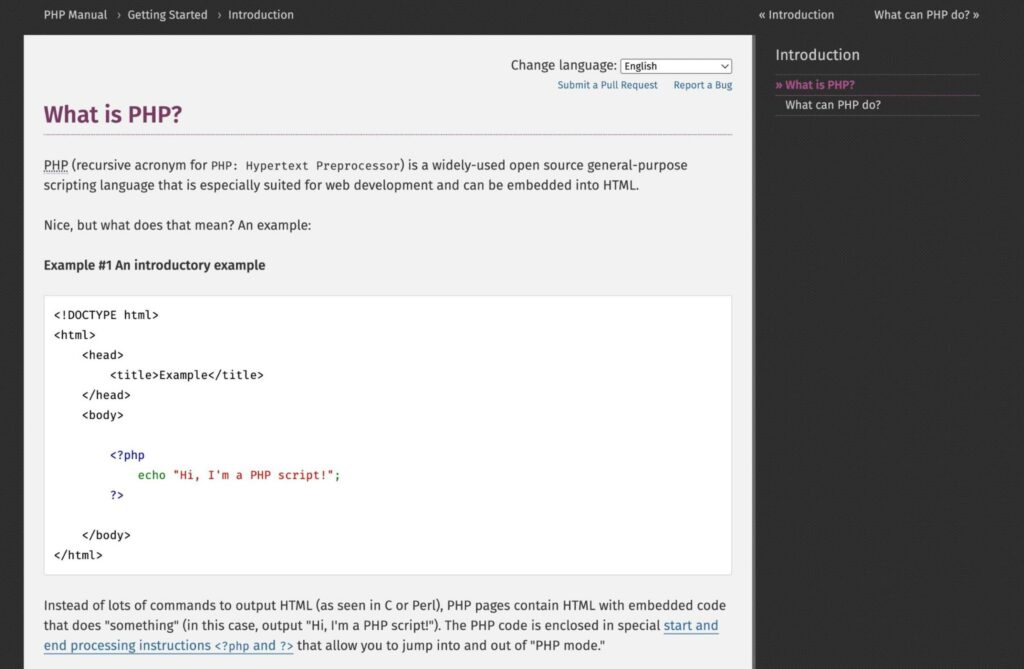
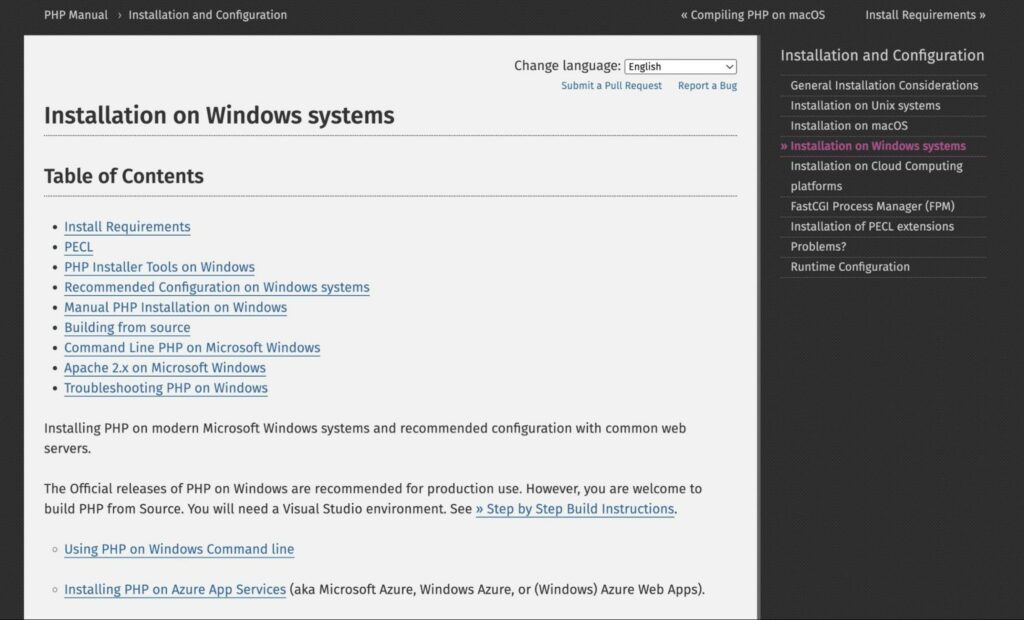
Then, you can follow the installation and configuration guide. Depending on your operating system, you’ll see some requirements and best practices on how to get started:
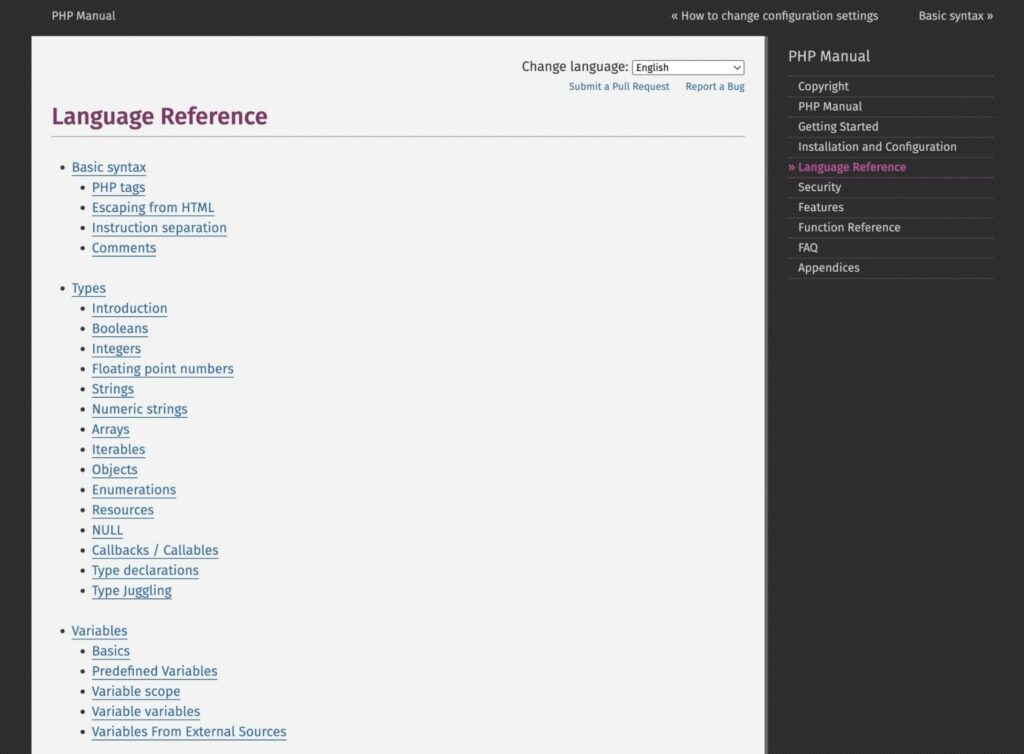
One of the most helpful sections of this manual is the Language Reference. Here, you’ll find a list of outbound links about basic PHP syntax and how to start writing your own code:
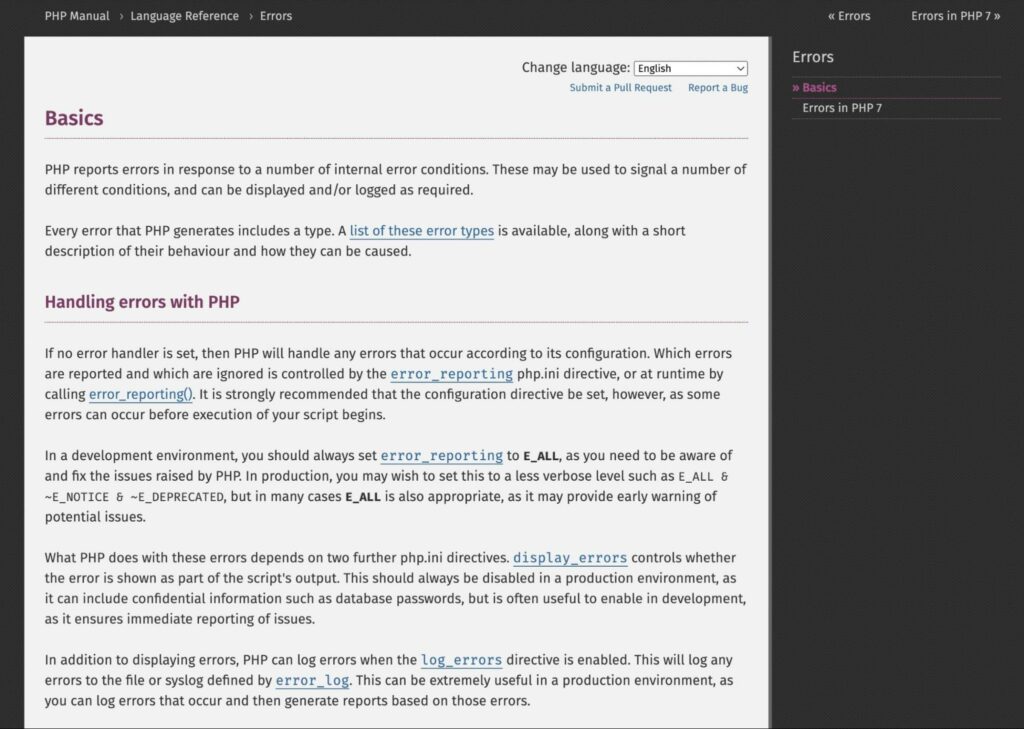
Similar to online courses, you can read how-to guides about variables, functions, operators, and much more. You’ll even learn how to handle PHP errors when they happen:
This manual also gives you information about PHP security. You can read about possible attacks, as well as error reporting:
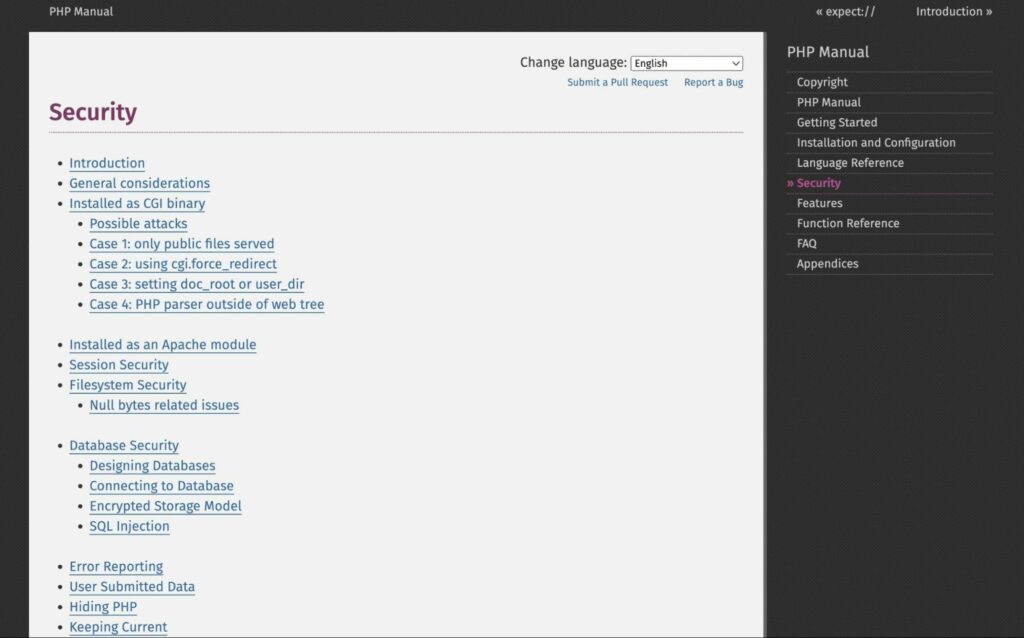
As you become more knowledgeable in PHP, you can keep this manual for future reference. For example, you might need to look up certain functions to implement them properly:
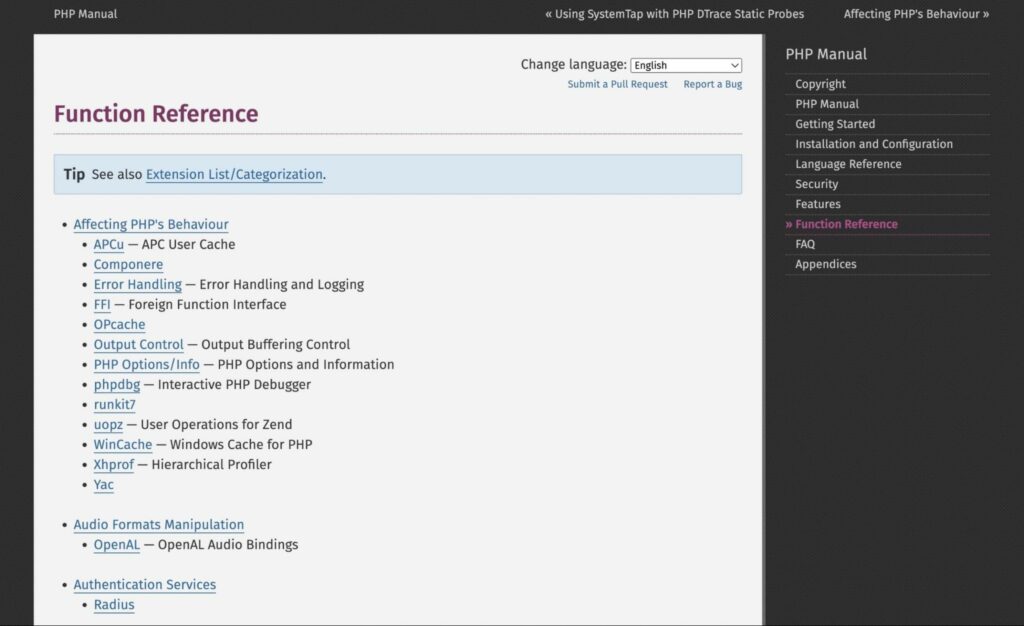
However, the PHP manual may not be the best option for beginners. Although its information is valuable and straightforward, it doesn’t include any interactive exercises. You’re likely better off using this as a reference during the learning process.
4. Read a book
If you’re a visual learner, one way to learn PHP is by reading a book. Whether you find an online publication or go to your local library, you can find valuable information about the PHP programming language.
PHP Apprentice is an online book that you can access for free. You can use this open-source reading material to start understanding PHP and its practices:
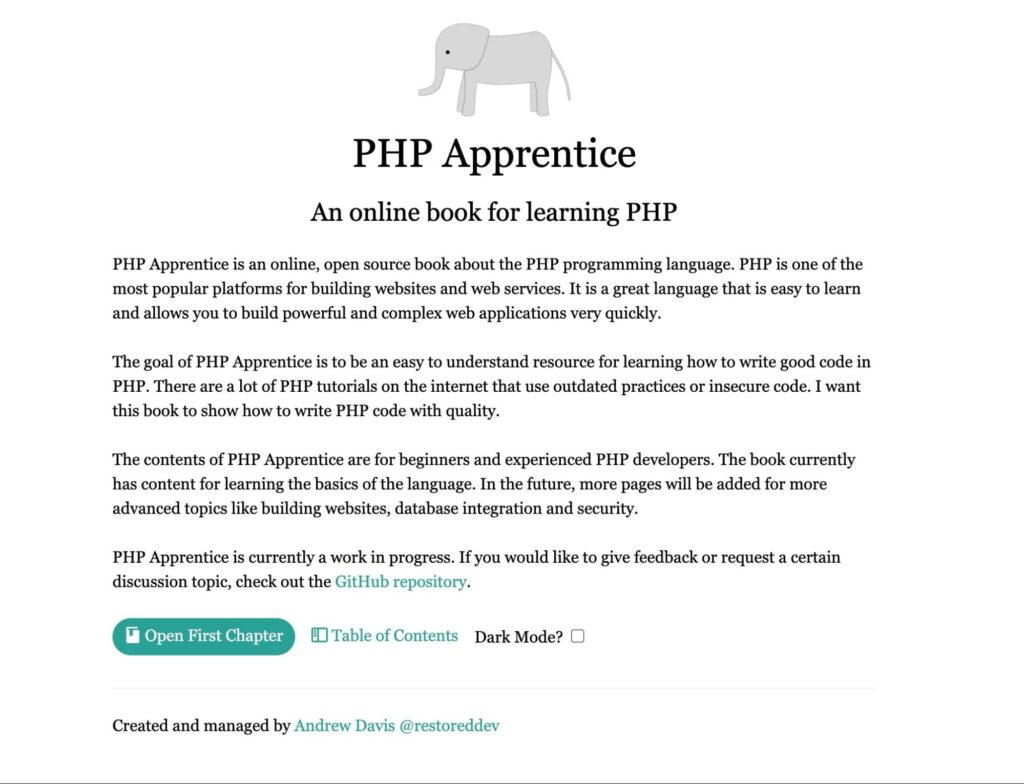
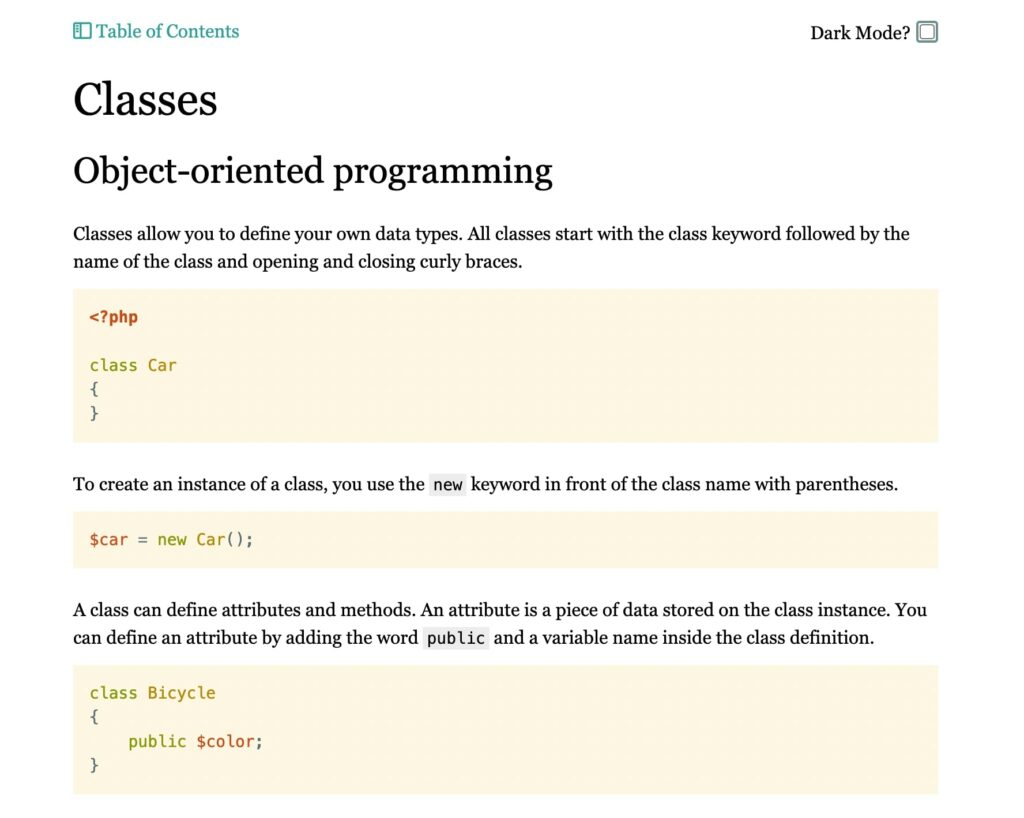
Using the table of contents, you can find a specific topic about PHP. For each chapter, there will be written explanations along with examples of coding:
Plus, PHP Apprentice is open source. By giving feedback on its GitHub repository, you can suggest topics or request more in-depth explanations:
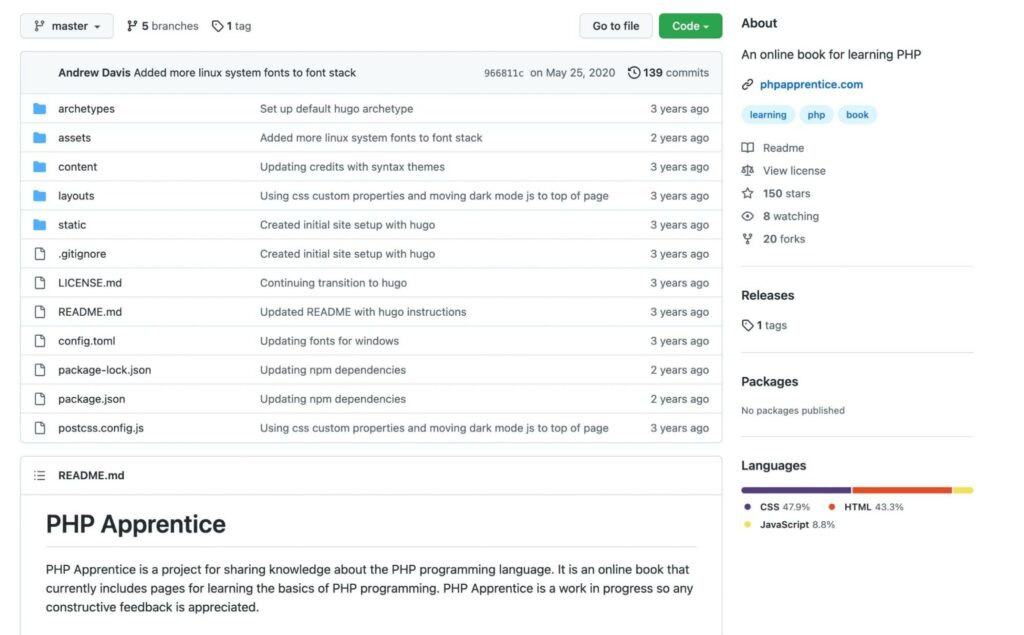
When learning a new skill like PHP, it can often be more convenient to read an e-book because they’re readily available online. However, you can also use your local library.
On your library’s website, you can search its database for PHP books. Then, you can place a hold on the ones you want to read:
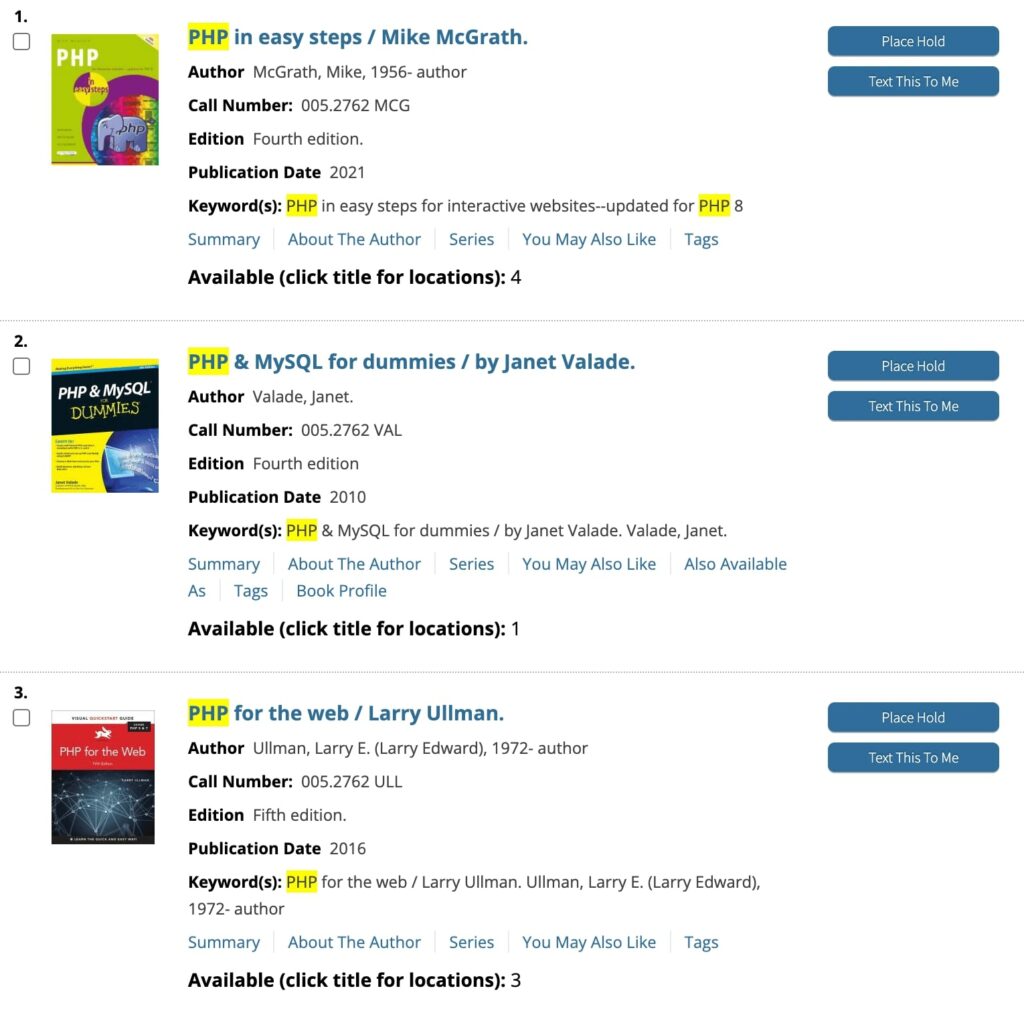
Some libraries even let you check out e-books using an app like CloudLibrary or Libby, which replaced the discontinued OverDrive app. This way, you can get your hands on library books without ever leaving your home.
Although the library can be a valuable resource for free books, you may not find the most up-to-date information. If you decide this method is right for you, you’ll want to look for books that were published in the last few years. This way, you’re not learning an outdated PHP version.
5. Try an interactive tutorial
Rather than signing up for an educational course in PHP, you can walk yourself through online tutorials. You don’t have to pay for the learning material or even create an account — you can simply open the website and start learning at your own pace. Let’s look at some options.
W3Schools
W3Schools is one of the best resources for free coding tutorials. On this platform, you can learn the basics of PHP, CSS, HTML, JavaScript, and much more.
When you click on its PHP guide, you’ll notice that there are tons of free modules to explore:
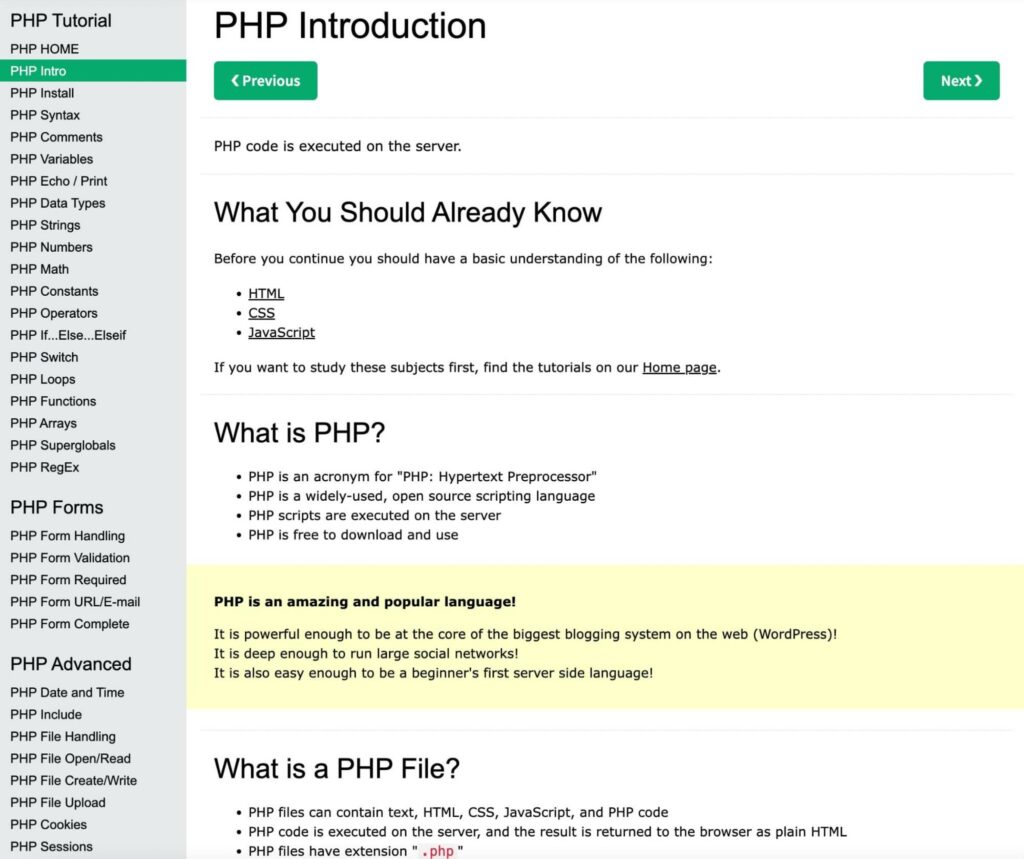
In the introductory sections, W3Schools will outline the basic concepts of PHP, as well as everything you need to get started:
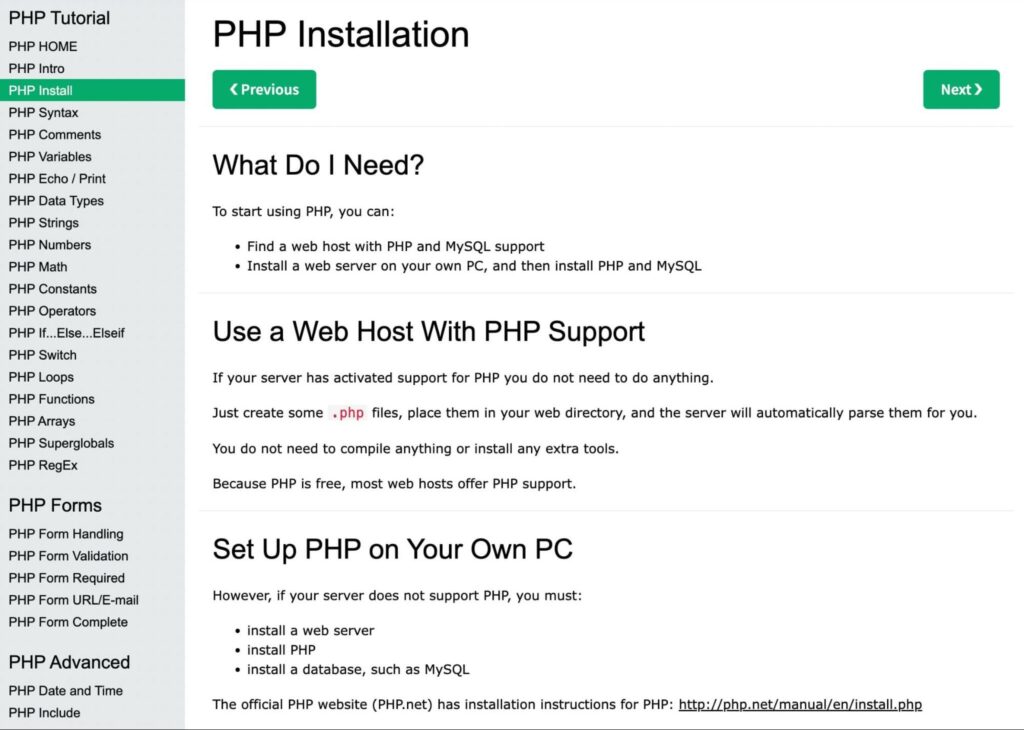
The modules follow roughly the same order as the learning path above, starting with syntax and variables before moving into operators, loops, and functions. You’ll also see coding examples on each page:
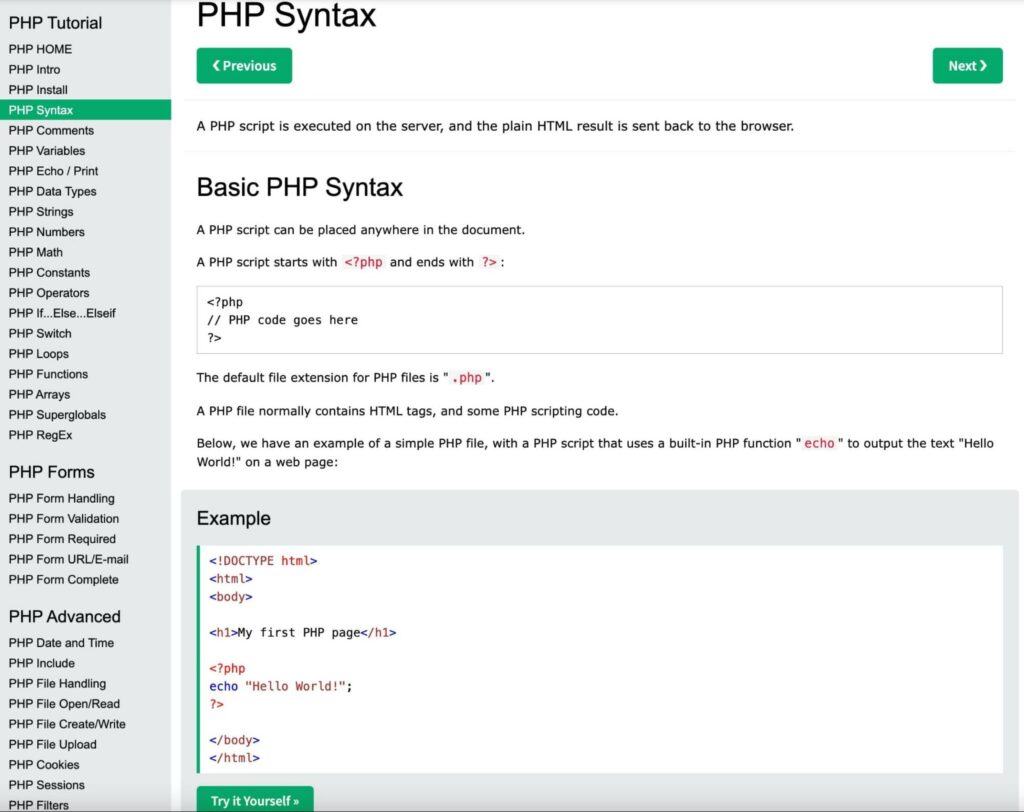
By clicking on Try it Yourself, you can open a code editor in a new tab. Here, you can implement changes to the existing code and see how it’ll look on the front end:
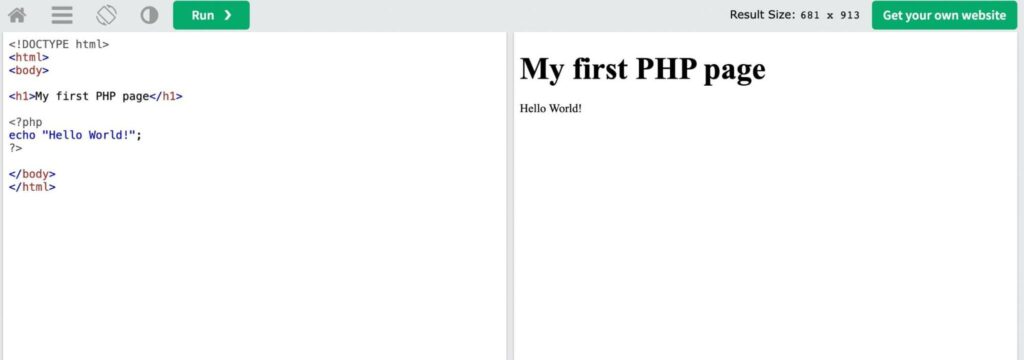
Once you grasp the basics, you can learn more advanced concepts. W3Schools will show you how to create forms with data validation.
When you feel comfortable with what you’ve learned, you can test your skills with quizzes and exercises:
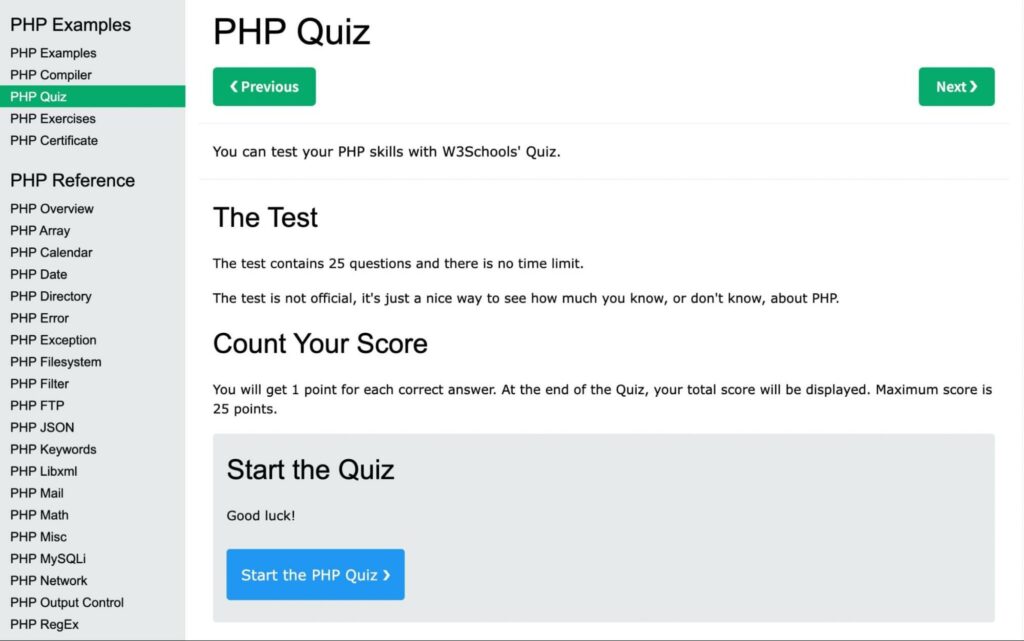
This can help you remember what you’ve studied. Plus, you can check whether you need to revise certain concepts and go back to those modules if needed.
Learn-php.org
If you want to learn PHP with a simple but effective interface, you can try the interactive tutorial on learn-php.org. Although this won’t turn you into a developer, you can use it to understand how PHP works:
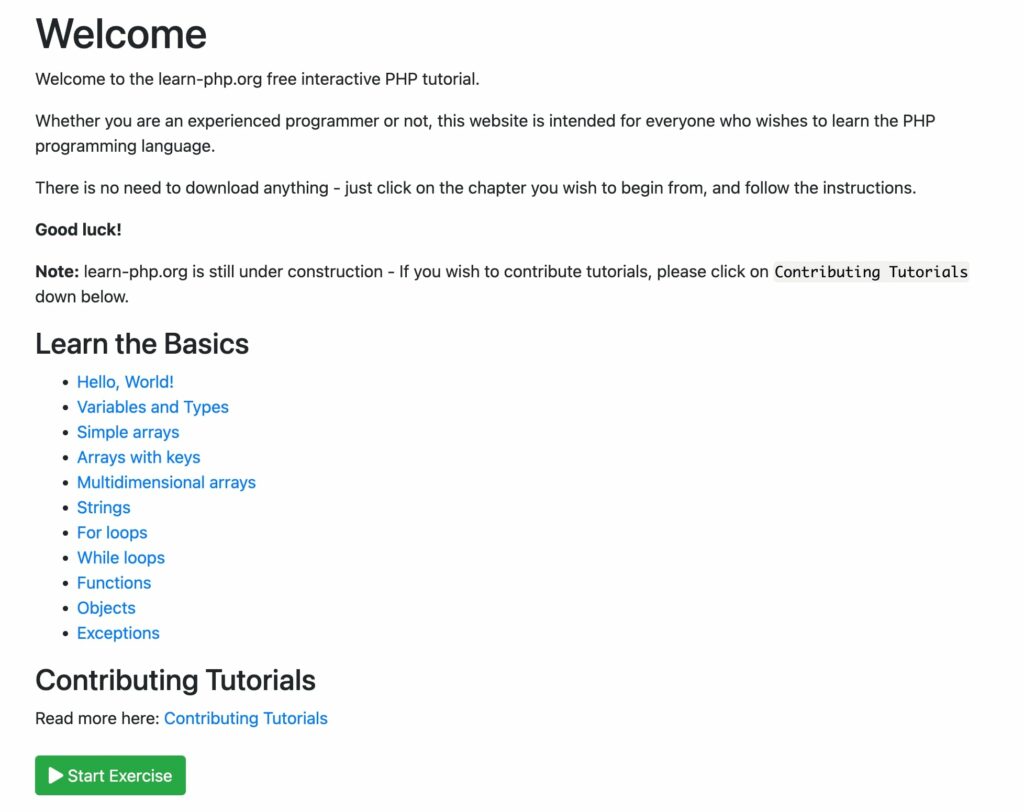
In just 11 modules, you’ll learn about variables, arrays, strings, loops, functions, and more. Like some other options on this list, learn-php.org includes simple explanations of concepts, followed by coding examples:
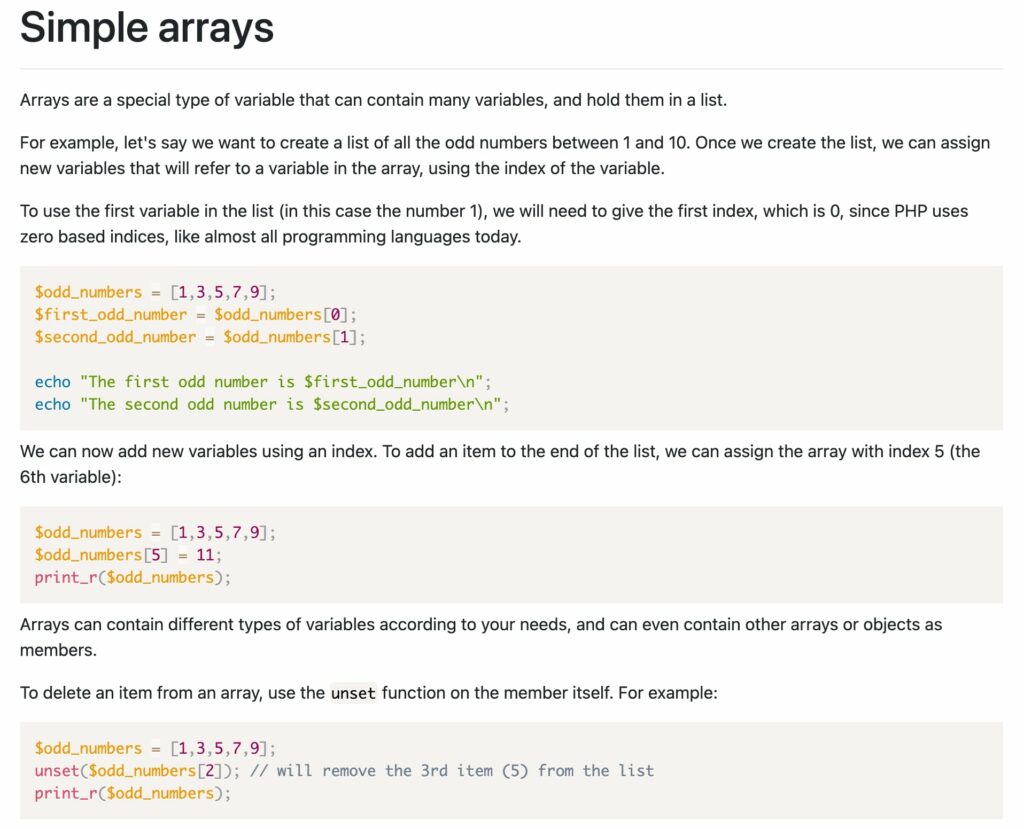
At the bottom of the page, you can perform an exercise to test your knowledge. For example, you may have to create a new array in PHP:
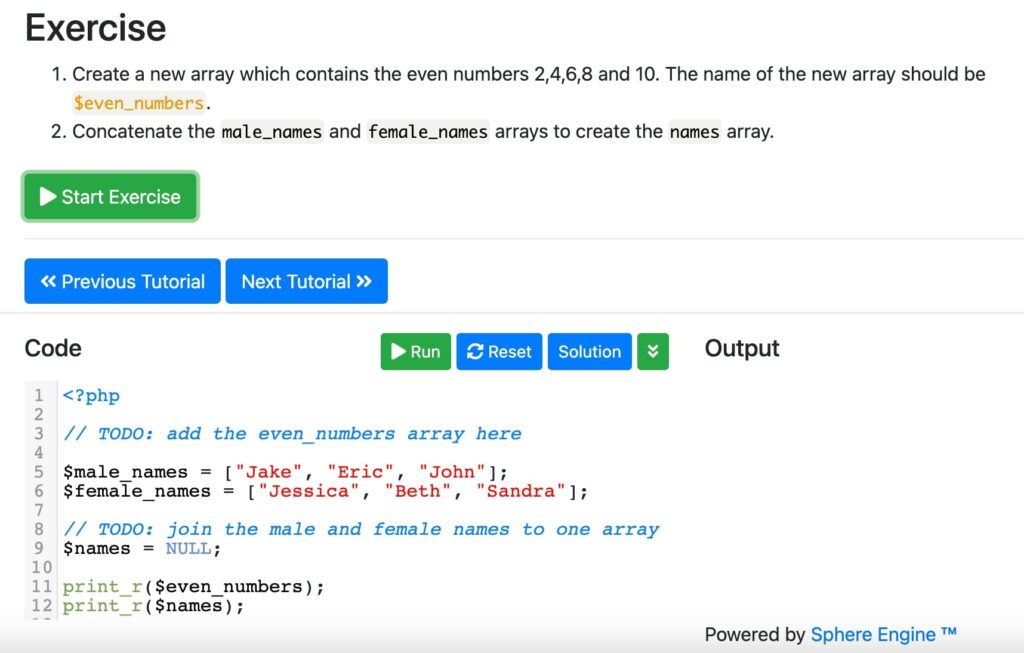
Although learn-php.org doesn’t have a lot of modules yet, it is constantly being updated. Using its GitHub repository, developers can add new tutorials for you to learn for free.
FAQs about learning PHP
Is PHP easy to learn?
Yes. PHP is one of the more beginner-friendly programming languages: it embeds directly in HTML, you can reuse blocks of code and built-in functions, and free tutorials like learn-php.org run your code in the browser with zero setup.
How long does it take to learn PHP?
That depends on your goal. A focused weekend with a beginner course covers the fundamentals, a few weeks of regular practice gets you to a first small project, and job-ready skills take months of consistent building. Treat “fast” as weeks, not hours.
Can I learn PHP for free?
Yes. Free resources cover the whole path: YouTube courses from Traversy Media and Envato Tuts+, Codecademy’s Learn PHP: Introduction, Laracasts’ PHP for Beginners, the official PHP manual, the open-source book PHP Apprentice, and interactive tutorials on W3Schools and learn-php.org.
Do I need to know PHP to use WordPress?
No. WordPress comes with built-in PHP files, so you can run a website without ever touching the code. You’ll only need PHP when you want to build or customize themes and plugins, or dig into how your site works under the hood.
Start learning PHP today
By learning the basics of PHP, you can jumpstart your career in web development. Since PHP is a vital part of WordPress, this skill can help you create new themes and plugins for personal or public use.
Here are some ways you can start learning PHP as a beginner:
- Watch a YouTube tutorial from creators such as Traversy Media and Envato Tuts+.
- Take an online course on Codecademy, Udemy, or Laracasts.
- Review the PHP manual.
- Read a book like PHP Apprentice.
- Try an interactive tutorial on W3Schools or learn-php.org.
Once you finish a tutorial, cement what you’ve learned by building a first small project. Good beginner picks: a FizzBuzz script (loops and conditionals), a number-guessing game (functions and user input), or a contact form that validates what visitors submit (GET and POST requests). Each is small enough to finish in a sitting or two, and each forces you to write code instead of just reading about it.
If you want to start experimenting with PHP, you may want to create your own website. With DreamHost’s web hosting plans, you can quickly launch a new site without breaking the bank!

Web Hosting That Powers Your Purpose
We make sure your website is fast, secure, and always up so your visitors trust you.
Choose Your PlanDid you enjoy this article?